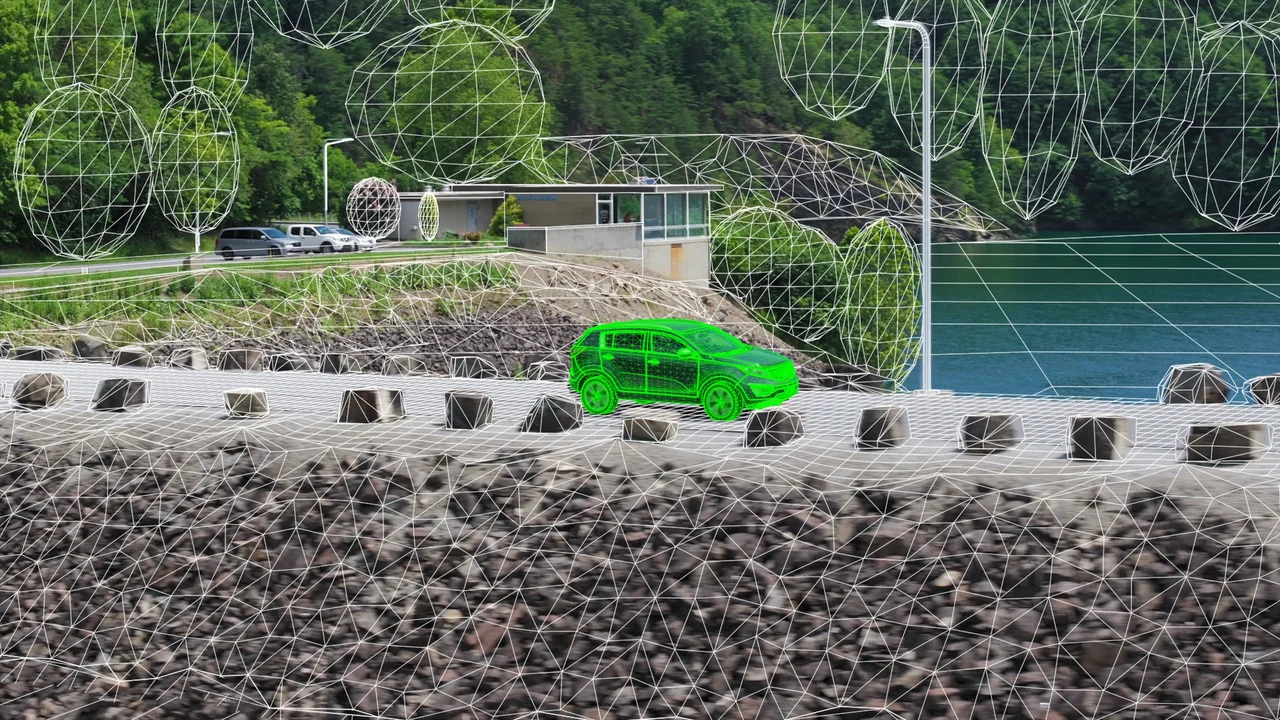
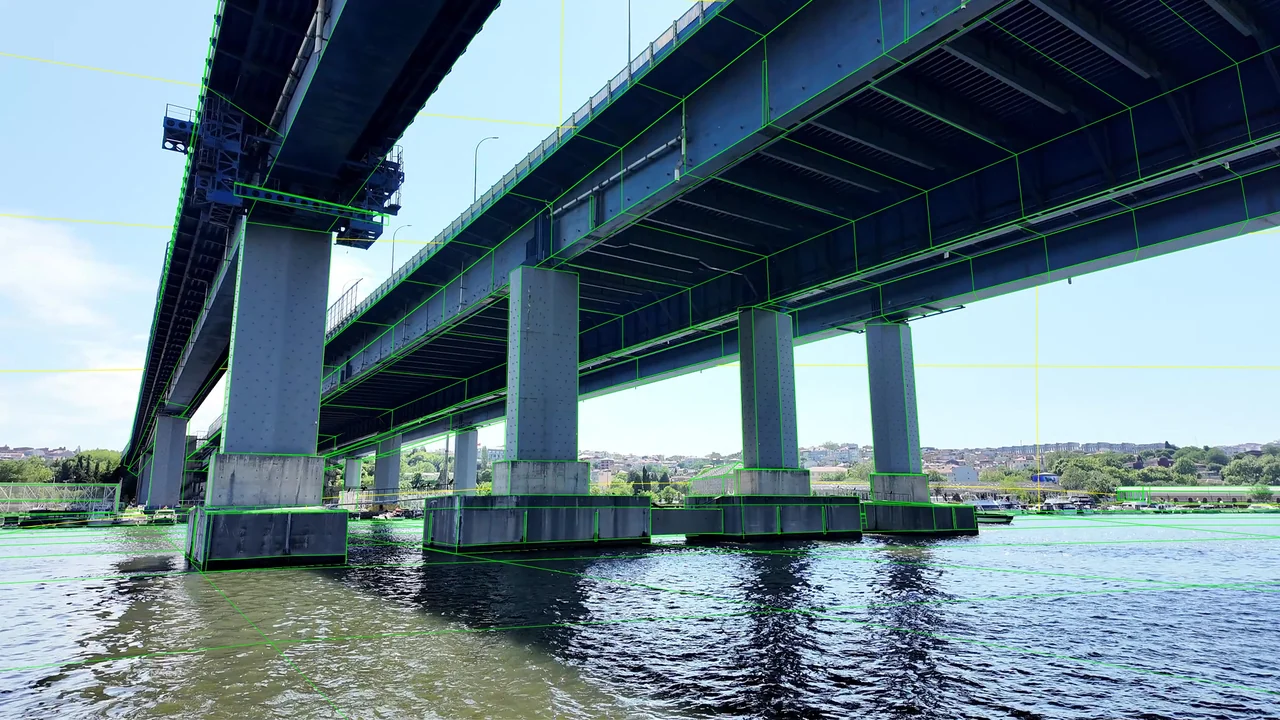
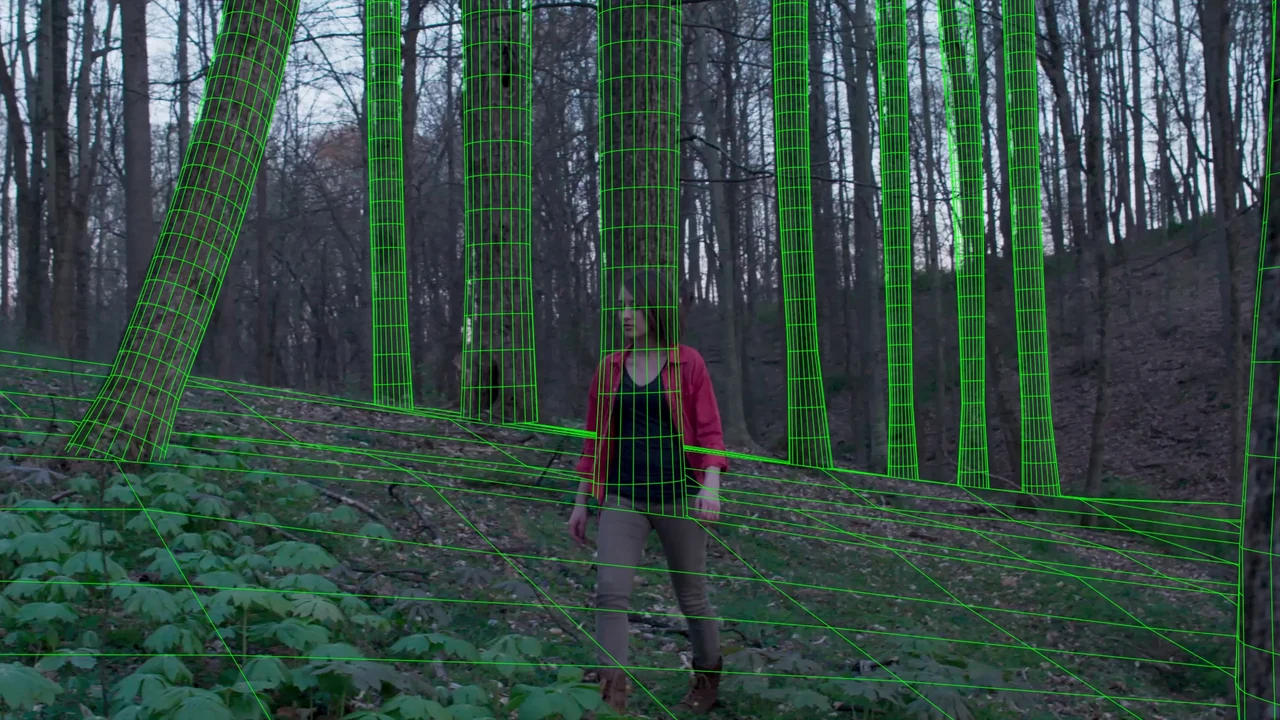
Ground is more than one plane.
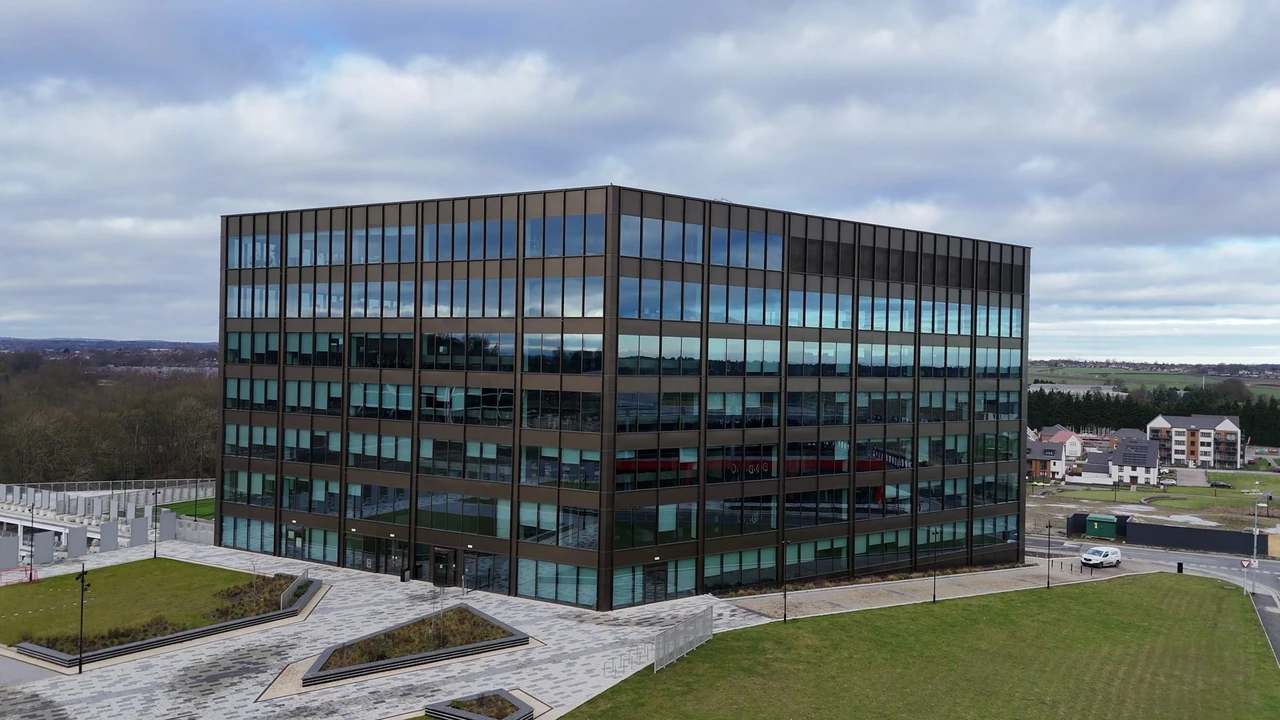
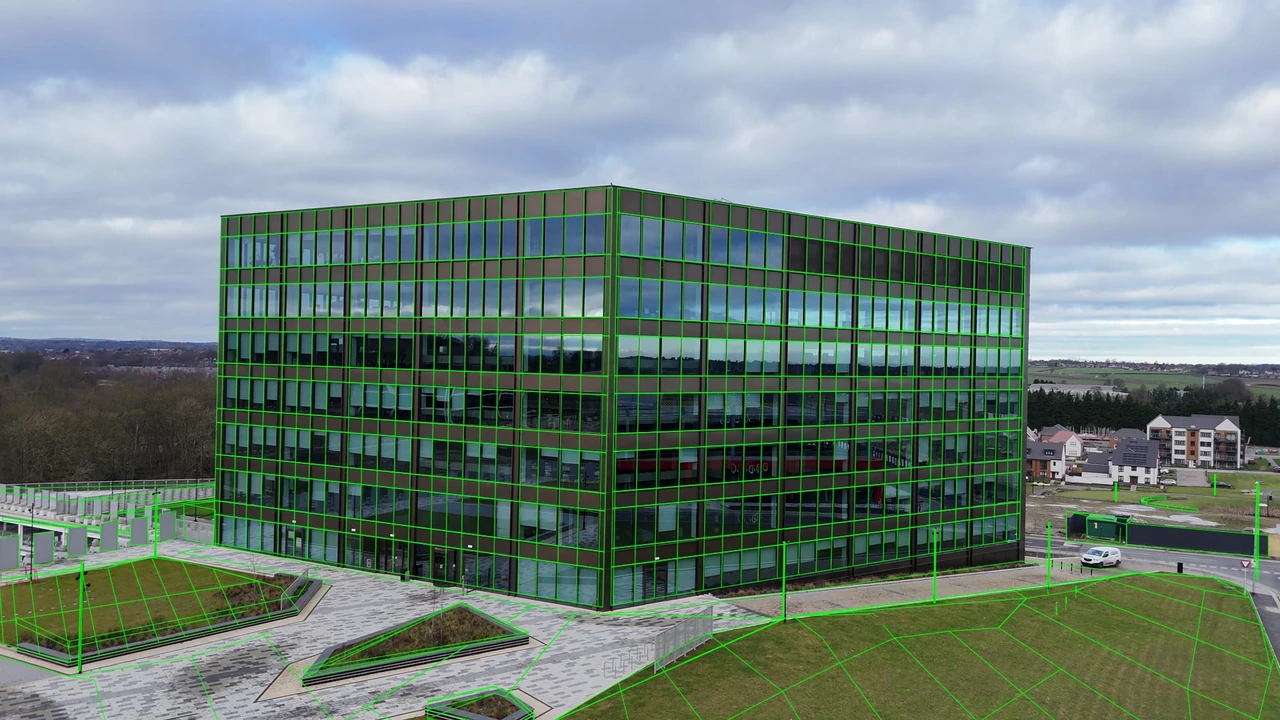
The aerial move reveals changes in lawn height, paving, roads and building depth. Repeated façade details need to be read alongside distinct ground and architectural features.

Architectural Camera Tracking
Architectural camera tracking with detailed ground, paths, road surfaces and building proxies.
Original plate → wireframe · Silent, edited breakdown.Download video ↗
The aerial move reveals changes in lawn height, paving, roads and building depth. Repeated façade details need to be read alongside distinct ground and architectural features.
TrackArc FX expanded the ground measurements and fitted a curved lawn surface. Paths, paving, raised planters, roads and background structures use separate depth layers, with static geometry rather than animated corrections.
The study package includes a saved 3DEqualizer project, 3,529 measured 2D tracks, a grouped OBJ proxy and native review renders. Ground and architecture are organised into distinct surface groups.
Self-initiated architectural study using stock footage. Camera refinement, measured tracks and the detailed environment proxy were created for this study.
The same frame, before and after. Move the divider to inspect the geometry against the photography.
FROM PLATE TO REVIEW
The tracking, geometry and review stages behind this study.
Identify distinct features on the building, paths, paving, road and lawn. Separate changes in ground height from the apparent motion caused by the aerial camera.
Use the measured 2D tracks in 3DEqualizer4 to review camera perspective and surface depth. Give distinct architectural and ground features priority over repeated façade patterns.
Build the lawn, paths, raised planters, road and background structures as separate surface groups. Maintain static geometry and use the moving camera to judge their relative depths.
Render the camera and proxy alignment from the saved 3DEqualizer project. Compare ground boundaries and building corners across all 108 working frames, rather than judging a single frame.
Use Nuke for image processing and output preparation, retaining the shot’s framing and frame order. Keep the plate and wireframe views registered for the breakdown comparison.
Inspect playback and individual frames in RV, with attention to paths, road edges and building bases. Export the measured tracks and grouped OBJ geometry for downstream scene work.
SCENE & REVIEW
The camera, measurements and proxy geometry were imported, saved and reopened in 3DEqualizer. All 108 working frames were rendered there, with OBJ geometry and measured pixel coordinates also exported for downstream use.
Explore camera & object tracking services ↗Different shots. The same attention to perspective and depth.
Footage: Modern Glass Office Building Aerial View by David Pickup, via Pexels. Camera tracking and detailed proxy reconstruction: TrackArc FX study. See the Pexels licence and retained source record.
Reconstruction notes. The reconstruction uses estimated lens parameters and arbitrary scale. Weakly textured ground, small distant structures and unseen surfaces have limited depth support. Some connecting surfaces are inferred from adjoining measured structures; fine vegetation is outside the architectural proxy scope.
Source records for the four-shot presentation. Credits & source licences.