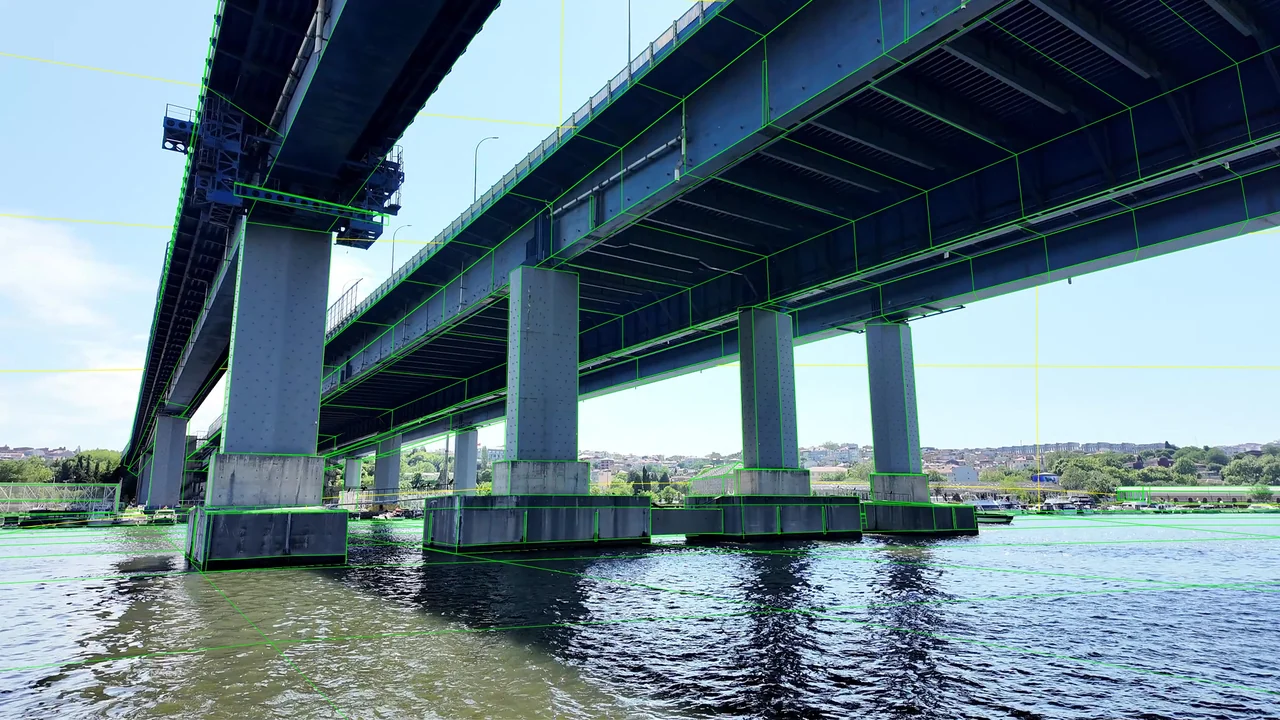
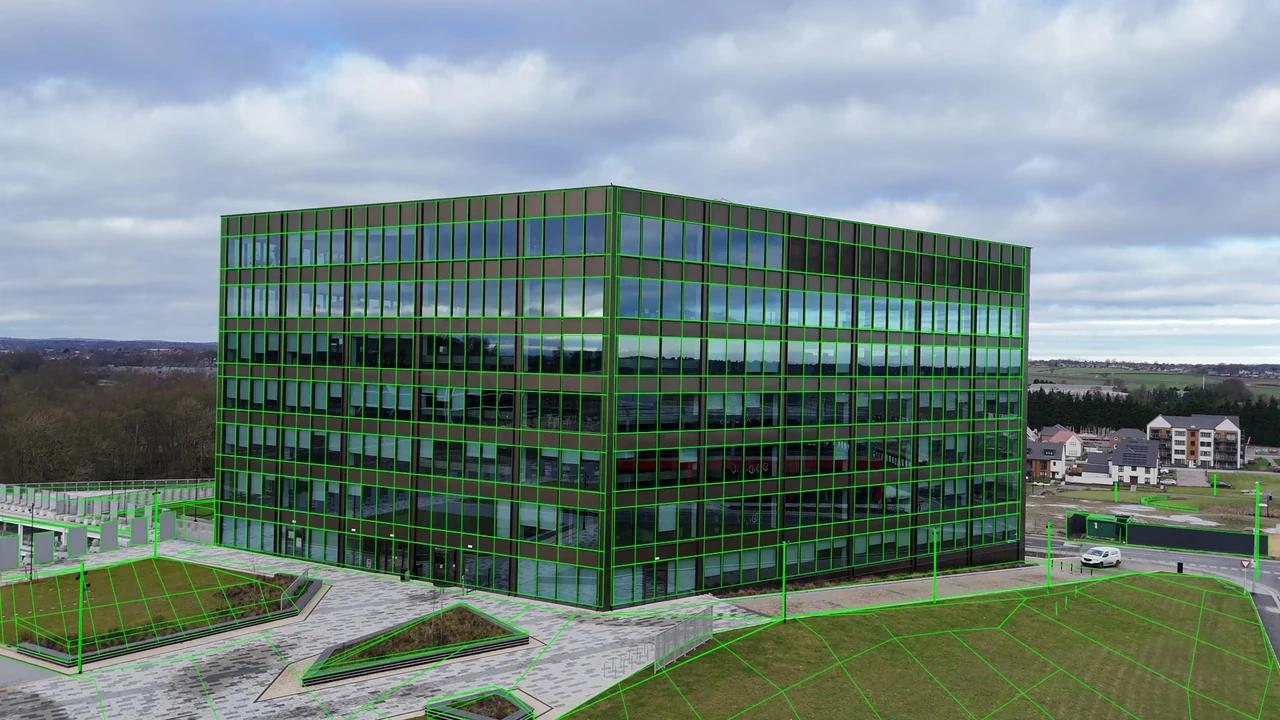
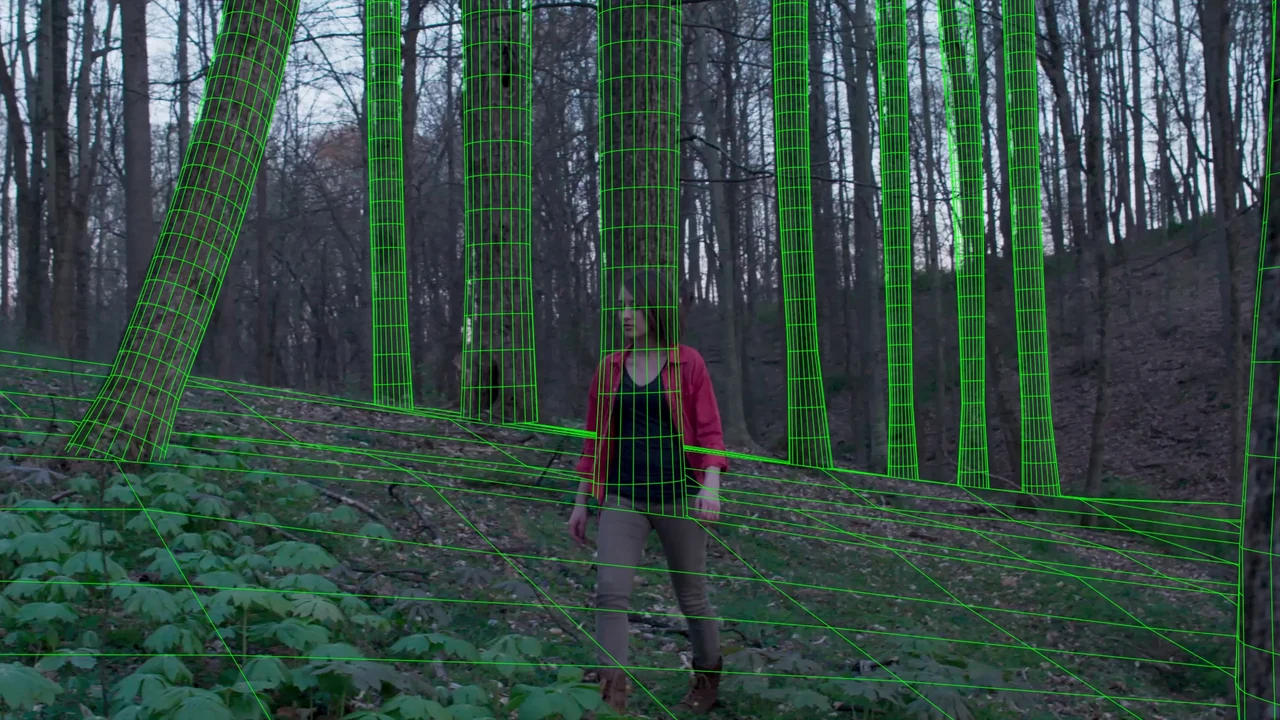
Two independent moves.
The moving vehicle needs its own motion while the camera follows the road. Wheel contact, the vehicle silhouette and the roadside scene must be considered together.
Camera & Object Tracking
Camera and vehicle tracking, model fitting and a reconstructed road environment for an aerial driving shot.
Original plate → wireframe · Silent, edited breakdown.Download video ↗
The moving vehicle needs its own motion while the camera follows the road. Wheel contact, the vehicle silhouette and the roadside scene must be considered together.
TrackArc FX fitted and modified the Kia model, refined camera and object motion, and built the road, shoulders, roadside rocks, posts and background architecture. Road seams and visible support contacts guided the road surface and scene depth.
The study package includes native 3DEqualizer and Maya scenes, an animated FBX and grouped OBJ environment geometry. Road, rocks, buildings and vegetation remain separate for layout and review.
Self-initiated study. Practice footage and the original vehicle model are credited below; tracking, model fitting and scene reconstruction were created for this study.
The same frame, before and after. Move the divider to inspect the geometry against the photography.
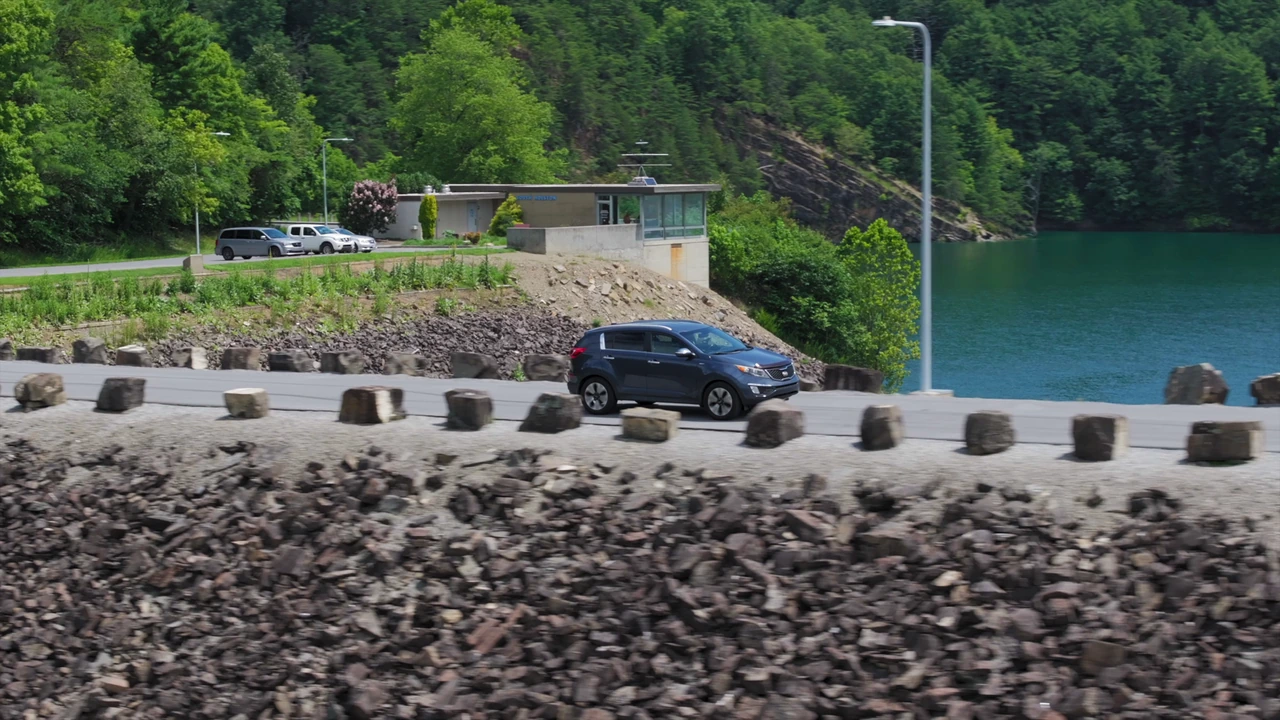
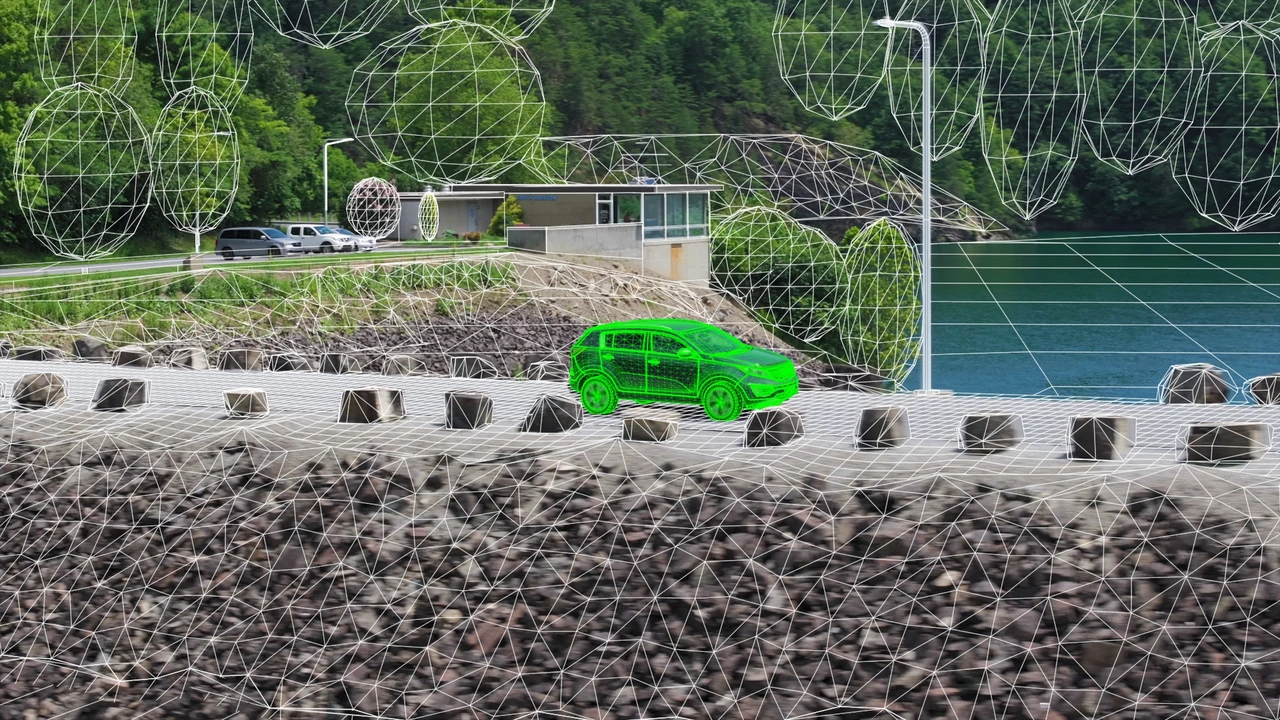
FROM PLATE TO REVIEW
The tracking, geometry and review stages behind this study.
Review the aerial camera move alongside the vehicle’s separate motion. Road features guide the scene camera; the car silhouette and wheel contacts guide the object fit.
Use 3DEqualizer4 to establish the camera and vehicle motion over the working sequence. Check the vehicle against the road rather than treating it as part of the static background.
Fit the Kia model and organise the road, shoulders, rocks, posts and background architecture in Autodesk Maya. Keep the vehicle and environment separately editable.
View the geometry through the solved camera and prepare wireframe overlays against the matching plate frames. Wheel contact, model silhouette and road perspective are the main checks.
Use Nuke for plate and overlay preparation, frame-range alignment and output formatting. Keep lens treatment consistent between the photography and the rendered geometry.
Inspect the result in RV at playback speed and frame by frame. Check vehicle contact and roadside drift before handing over the camera, object animation and grouped scene.
SCENE & REVIEW
Camera and object animation, a fitted vehicle and named environment proxies were assembled in 3DEqualizer and Maya. Native scene save/reopen and export checks were completed across the 157-frame working sequence.
Explore camera & object tracking services ↗Different shots. The same attention to perspective and depth.
Footage: ActionVFX Practice Footage — Aerials of SUV Driving, Clip 8. Model: Kia Sportage (SL 2011–2014) by farhad.Guli, under CC BY 4.0. Changes include wheels, paint/roof, hood deflector, grille, antenna, plate, proportions and rocker fit. Full modification and attribution record.
Reconstruction notes. Scene scale and lens parameters are estimated from the shot. Terrain extensions, hidden surfaces and vegetation are approximate proxies; the scene is not a surveyed reconstruction. The original vehicle model retains small shape differences from the photographed car.
Source records for the four-shot presentation. Credits & source licences.